In this article
Written by Leena Kalyana · Last reviewed: 21 November 2026
A LinkedIn personal profile is your own account as a professional, where you connect, post, comment and message as yourself. A LinkedIn company page is your business’s official presence, where people follow the business, see its details, jobs and announcements, and where ads can be run. Founders often ask which to build first. This guide gives a clear answer, explains what each one does, and shows how to use both without doubling your work.
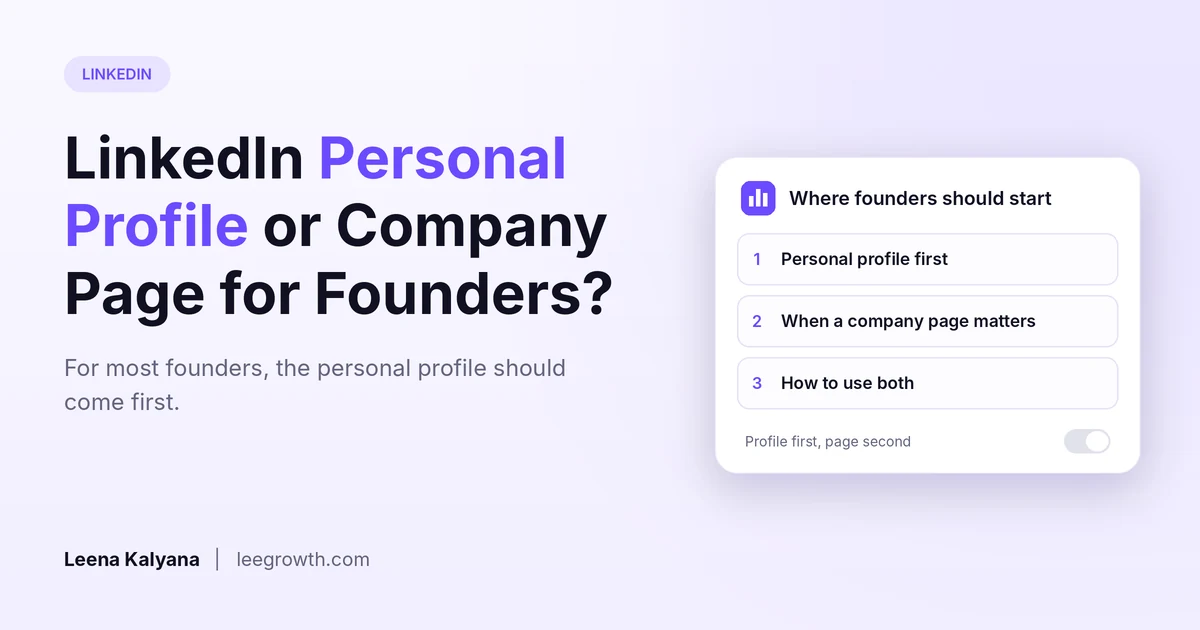
Short answer: For most founders and owners of service businesses, build the personal profile first. People trust and talk to people, and personal posts usually start more conversations than company posts. A company page still matters for credibility, hiring and a place to send people, so set it up properly, but do not expect it to do the main work alone.
I am Leena Kalyana, and I help founders in India with LinkedIn. This is how I decide where to start.
Who this is for: founders, owners, consultants and small business leaders in India who want enquiries from LinkedIn and are unsure whether to put their time into their own profile, a company page or both.
What you will get: the difference between the two, why the personal profile usually comes first, what a company page is good for, a table to choose by situation, how to use both together, what to put on each, a 30-day plan, mistakes to avoid and a final checklist.
Find what you need fast
| If you want to… | Go to |
|---|---|
| See how the two differ | Profile versus page |
| Know which to build first | Which to build first |
| Set up a company page properly | Company page setup |
| Use both without double work | Using both together |
| Plan the next month | 30-day plan |
What is the difference between a LinkedIn profile and a company page?
A profile belongs to a person, and a page belongs to an organisation. They work differently, and that is why they do different jobs.
| Personal profile | Company page | |
|---|---|---|
| Who it represents | You as a person | Your business |
| How people connect | Connections, followers and messages | Followers |
| How it feels | Personal, conversational | Official, formal |
| Who runs it | You | One or more admins, each using their own profile |
| Jobs and hiring | Not for job posts | Job posts belong to the page |
| Advertising | Not directly | Ads on LinkedIn run through a page |
| Best for | Trust, conversations, enquiries | Credibility, information, hiring, a place to send people |
Two facts from LinkedIn’s own guidance are useful to remember: your profile has connections while your page has followers, and you need a personal profile to set up a page. So the person always comes first in a technical sense too.
Why does the personal profile usually come first?
The personal profile usually comes first for three reasons.
- Buyers look for a person. When they consider hiring you, they want to know who they will deal with, and a person is easier to trust than a logo.
- Posts from people feel human. A founder’s story or opinion invites replies in a way a company announcement often does not.
- It is faster. You can improve a profile this week. A company page needs a following that takes time to build.
Many articles claim exact numbers for how much more reach personal profiles get than pages. The figures vary a lot between sources, and most do not say how they were measured, so I would not plan around any single number. What matters is the direction: personal posts usually start more conversations than company posts.
What is a company page good for?
A company page is good for credibility, hiring and a clear home for official information. It does not need to be your main publishing channel to be worth having.
- Credibility: a buyer can check that your business is real and see who works there.
- Hiring: job posts belong to the page, and it gives you an employer presence.
- A home for official information: services, announcements and links in one place.
- Linking people to the business: when you and your team list the company as your employer, your profiles link to the page.
- Search: company pages often appear in search results when someone searches for your business name, alongside your website.
- Advertising: if you ever run LinkedIn ads, they run through a page.
To set one up properly, see how to create a LinkedIn company page.
Which should you build first?
Build the one that matches how you win clients. Use this table as a starting point.
| Your situation | Start with |
|---|---|
| Consultant, coach or independent professional | Personal profile |
| Founder of a service business that sells on trust | Personal profile, then a simple company page |
| Company with a team and hiring plans | Both, with the founder profile leading |
| Product company with a brand to build | Company page and founder profile together |
| New business with no clients yet | Personal profile first, because your network is your first audience |
| Business that is mostly local and customers search nearby | A complete company page and a clear website, with the founder profile as support |
If you are unsure, ask where your last five clients first heard about you. If it was through a person, start with the person.
What should a company page include?
A company page should look real, current and clear. A page with accurate details and a few good posts is better than a busy page full of copied content.
- Name and logo that match your website and other profiles.
- A short description that says who you help, what you do and what makes you different, in plain words.
- Website link and a clear contact route.
- Location and industry, set correctly.
- A banner that matches your brand, or a simple line about what you do.
- A call-to-action button that points to your enquiry page.
- Services or products listed where the page allows it.
- A few posts in the first week, so the page does not look empty.
- Admins: at least two people with access, so the page does not depend on one person.
Use the same wording for your positioning on the page and on your personal profile, so a visitor sees one consistent story.
How do you use both together?
Make the personal profile clear first, then connect the page to it. Both should tell the same story in different voices.
- Make the personal profile clear first. See the founder LinkedIn profile audit checklist, and read LinkedIn profile optimization for what each section should do.
- Complete the company page with accurate details and a clear description, so it looks real and current.
- Link the two: list the company in your experience, and feature the page where it helps.
- Let the personal profile carry the voice. Use the company page for announcements and information.
- Ask team members to link their profiles to the page, so it shows real people.
- Tag the company when it fits in your posts, so people can find the page.
What should you post on each?
Post different things on each, so the two do not repeat each other.
| Personal profile | Company page |
|---|---|
| Answers to questions clients ask | Service and product details |
| Lessons from real work | Company news and announcements |
| Your process and your opinions | Job openings |
| Conversations in comments and messages | Case studies and proof the company can stand behind |
| Stories only you can tell | Links to guides, events and updates |
For post structures that bring enquiries, see the post types that bring enquiries, and for the whole process, read how founders get inbound leads from LinkedIn.
If your team has limited time, a simple rule works: write on your personal profile, and share or announce from the page when the content is about the business.
What risks should you plan for?
Plan for three risks so that the business does not depend on one person or one account.
- Everything depends on you. If your authority lives only on your own profile, the business is harder to run without you. Over time, add team members’ voices and keep the page accurate.
- One admin. If only one person can manage the page and they leave, you can lose access. Keep at least two admins.
- Inconsistent details. If your name, services or links differ between your profile, page and website, buyers lose trust. Check them every few months.
Employee profiles belong to the employees, not to the company. Do not pressure anyone to post or share, because interest that is real works better than forced shares.
What does a 30-day plan look like?
| Week | What to do |
|---|---|
| 1 | Rewrite your headline, About section and Featured items on your personal profile. Write down who you want to attract. |
| 2 | Set up or complete the company page: name, description, website link, button and two admins. Link it to your experience. |
| 3 | Publish two or three posts from your personal profile. Reply to every comment. Share one useful update from the company page. |
| 4 | Ask your team to link their profiles to the page. Check which post led to messages, and ask new contacts how they found you. Plan the next month. |
What mistakes do founders make?
- Spending weeks on the company page and leaving their own profile as a short job entry.
- Posting the same content on both, word for word.
- Leaving the company page empty or with one old post.
- Having only one admin on the page.
- Using different descriptions of the business in different places.
- Pressuring employees to share company posts.
- Judging success by followers instead of conversations.
A common mistake in detail: many owners spend weeks on the company page and leave their own profile as a short job entry. Visitors who see a polished page and an empty profile wonder who is behind it. Fix the person first.
If you already made these mistakes:
- Strong page, weak profile: rewrite your headline and About section this week, and feature your best post.
- Dead page: add accurate details, a clear description and two or three useful posts, then keep it simple and up to date.
- Same content on both: keep opinions and stories on your profile, and announcements and details on the page.
- One admin: add a second admin today.
What should you check before you finish?
- [ ] My personal profile says who I help and how to reach me.
- [ ] My company page has a clear description, website link and contact route.
- [ ] My profile and page tell the same story in the same words.
- [ ] I list the company in my experience, and team members link their profiles.
- [ ] At least two people can manage the page.
- [ ] I post on my profile for conversations and use the page for announcements.
- [ ] I check which posts lead to messages, and ask new contacts how they found me.
Need help with either?
I work on both: LinkedIn personal branding for founders and LinkedIn management services for company pages and wider support.
Frequently asked questions
Should a founder use a personal profile or a company page on LinkedIn? Most founders of service businesses should build the personal profile first, then add a simple company page for credibility, hiring and information.
Can I post as myself and from the company page? Yes. Many owners post from their own profile and use the company page for announcements. The profile usually reaches people more easily.
Is a company page needed to get leads? Not always. Many service owners get conversations from their personal profile first and add a company page for credibility.
Can I run LinkedIn ads without a company page? Ads on LinkedIn run through a company page, so you need one if you plan to advertise.
Should employees share company posts? They can, if they want to. Do not pressure anyone. Interest that is real works better than forced shares.
What if I have a team and want to hire? Set up the company page properly, because job posts belong to the page, and keep the founder profile active to build trust with candidates and clients.
Do I need both? For most businesses, yes in the long run: the profile for trust and conversations, and the page for credibility and information. Start with the profile if you have to choose.
How long does it take to see results? A clearer profile can help quickly. Trust from posts builds over months, so judge progress by conversations rather than followers.

Leena Kalyana is an SEO and digital marketing consultant in Delhi NCR and the founder of LeeGrowth. She helps clinics, coaching institutes, consultants and small businesses get found on Google, Google Maps and AI search. She works directly with every client and does not guarantee rankings.