
In this article
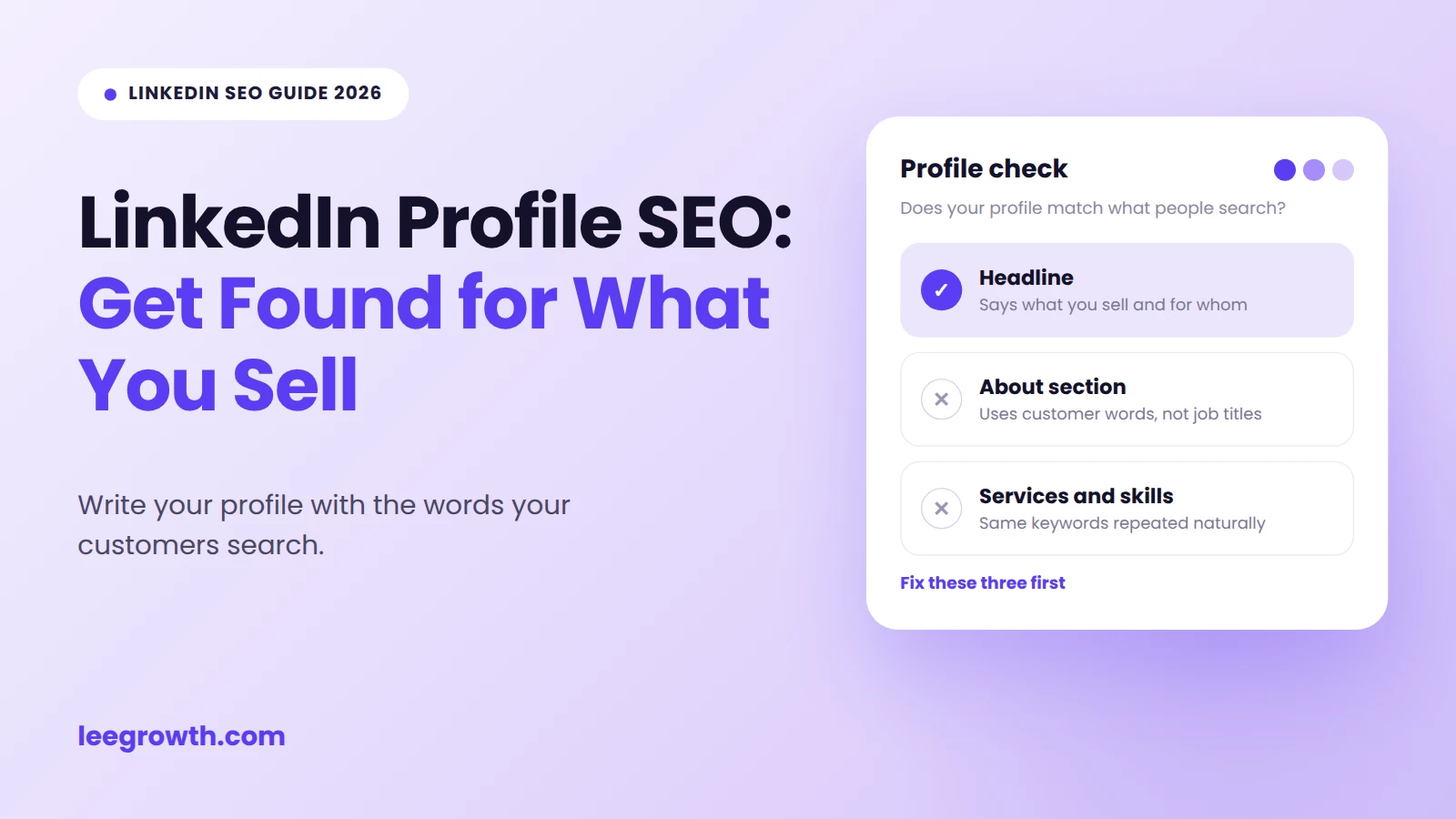
Quick answer: LinkedIn profile SEO means writing your profile with the words your customers search, so they can find you on LinkedIn and on Google. Put your main phrase in your headline, the first lines of your About section, your job title, your skills and your web address. Keep your public profile on. LinkedIn does not share its ranking rules, so nobody can promise you a top spot.
Key points
- Choose the phrase your customer types, not the phrase you like.
- Put that phrase first in your headline.
- Start your About section with who you help and the problem you fix.
- Pin your top skills, set a clean web address and keep your public profile on.
- Check your results after one month, not after one week.
What is LinkedIn profile SEO?
LinkedIn profile SEO is the work of writing your profile so the right people can find it and understand it fast. You do this with your headline, About section, job titles, skills and web address.
Most people write their profile like a resume. A resume is good when you want a job. It is not good when you want clients. A client does not care where you studied. A client wants to know if you can solve their problem.
Why does LinkedIn profile SEO matter for getting clients?
It matters because your profile is often the first thing a buyer checks. They may find you in a LinkedIn search, in a comment you wrote, or on Google after a friend gave them your name.
Think about a business owner who types “GST consultant Noida” into LinkedIn. The result shows your name, your headline and one short line. That is all they see before they decide to click or skip. If your headline says “Finance Professional”, you are easy to skip. If it says “Chartered Accountant in Noida | GST Registration and Filing for Small Businesses”, you match what they typed.
Your profile also works on Google. LinkedIn says your public profile can appear when people search on search engines such as Google and Bing. This works best when people search for your name, or your role and city. It is harder for broad phrases like “SEO consultant”, because many pages compete for them.
One honest limit: LinkedIn does not publish how it ranks profiles. Some guides say a certain field has the “highest weight”. Nobody outside LinkedIn can prove that. The steps below use a safer rule. Put your most important words where people read first, and keep everything accurate.
How do you do LinkedIn profile SEO? (8 steps)
Step 1: Find the words your buyers use
Pick one main phrase and two or three close versions. Choose the words your customer types, not the words you use at work.
A physiotherapist may say “musculoskeletal rehabilitation”. Her patient types “back pain physio near me”. A tax professional may say “indirect tax compliance”. The client types “GST registration help”.
Three free ways to find these words:
- Use the LinkedIn search bar. Type your service and see the ideas that appear under it.
- Read your own messages. Look at old WhatsApp chats, emails and call notes. Clients describe their problem in their own words.
- Check three profiles that attract the clients you want. Notice how they describe their service. Learn the words, then write your own sentences.
If your buyers also search in Hinglish, add those words. Our Hinglish keyword research guide shows you how to find them.
Step 2: Rewrite your headline
Your headline sits under your name. It also shows in search results, comments and connection requests. It is the most visible line you control.
Only the first part of your headline shows in many places. So put your main phrase first. The editor shows a character counter, so use it to see your limit.
Use this simple formula:
What you do and where | Who you help | What they get
A weak headline: Digital Marketing Professional | Passionate About Growth
A strong headline: SEO Consultant in Delhi | Local SEO for Clinics and Salons | Get Found on Google Maps
A strong headline for a tax professional: Chartered Accountant in Noida | GST Registration and Filing for Small Businesses
The strong headlines say the service, the place and the customer. They match real searches. The weak one matches nothing a buyer would type.
Keep it clean. Use one or two phrases, not ten. Skip words like “passionate”, “guru” and “ninja”. Nobody searches for them.
Step 3: Turn your About section into a short sales page
Your About section is the closest thing LinkedIn gives you to a landing page. Long text is cut off behind a “see more” link. So the first few lines matter most. LinkedIn does not say how these lines count in search, but people read them first.
Write in this order:
- Say who you help and what problem you fix.
- Say what you do, in plain words.
- Add one or two facts a client can check, such as the type of businesses you serve.
- End with one next step, such as “WhatsApp me on the number below”.
Here is a sample for a physiotherapy clinic in Delhi. It is an example, not a real profile.
I help people in Delhi NCR with back, neck and knee pain move without pain again. Most patients come to me after weeks of pain that rest did not fix. At my clinic in Dwarka, I find the cause first. Then I build a plan with exercise, manual therapy and a home routine you can follow. I treat sports injuries, recovery after surgery and desk-job pain. To book an assessment, call or WhatsApp the number below.
The first sentence names the audience, the place and the problem. The service words appear the way a person would say them. There is no list of keywords.
Use your Step 1 words a few times where they fit. Stop when it sounds forced. Never claim results you cannot prove. “I work with clinics and salons on local search” is true and still strong.
Step 4: Fix your Experience and Featured sections
Many people write only “Consultant” as the job title. That wastes a field that search can read.
Add your service and place to the title, as long as it is true:
Founder, Lee Growth | SEO and Content for Small Businesses
Owner, [Clinic Name] | Physiotherapy Clinic in Dwarka, Delhi
Under each role, say what clients get. Use short sentences. Add numbers only if you can prove them.
Use the Featured section for proof: a service page, a guide, a case study or a booking link. Link to the page that matches the service in your headline, not just your homepage.
Step 5: Choose your skills
LinkedIn Help says you can add up to 100 skills. That does not mean you should. A long list of random skills hides what you want to be known for.
Pick skills that match your Step 1 words and your real work. An SEO consultant might choose “Local SEO”, “Search Engine Optimization (SEO)” and “Content Strategy”. A CA might choose “GST” and “Tax Planning”.
Pin your top three. Your top skills usually show first on your profile, so choose the three you want clients to remember. Then ask a few clients or colleagues who have seen your work to endorse them. Real endorsements matter more than many empty ones.
Step 6: Set a clean web address
New profiles get a web address with random letters and numbers. You can change it to your name, or your name plus your service.
To see your current address, open your profile on a computer and look at your browser’s address bar. That is the link people use to reach you.
A clean address looks better on a business card, an email signature and a proposal. LinkedIn sets rules on length and allowed characters, and the editor tells you if a name is not allowed or already taken.
Choose once and keep it. If you change it later, old links to your profile may stop working. Then update your email signature, website and social pages.
Step 7: Keep your public profile on
The earlier steps help less on Google if your public profile is off. In LinkedIn, go to Settings, then Visibility, then edit your public profile. LinkedIn explains how to turn it on or off and choose which sections show.
Keep your headline, About, Experience and Skills visible if you want search engines to read them. Hiding a section gives a buyer less to judge you on.
Search engines need time to update. Changes can take several weeks to show.
Step 8: Post what your clients ask
A profile tells people who you are. Posts show that you are active. You do not need to post daily. Two or three useful posts a week about your clients’ problems are enough.
Write about the questions you hear on calls. Explain one fix. Share one before and after. When you comment on a post, add something specific, not “great post”.
AI tools and search engines can also read public LinkedIn content. Our guide on Reddit, Quora and LinkedIn mentions and AI visibility explains why a clear profile and steady posts help them understand what you do.
If you want someone to plan, write and post for you, see our LinkedIn management service.
Where should you put your keywords?
Use this table as a quick guide.
| Profile part | What to write | Example |
|---|---|---|
| Headline | Main phrase first, then who you help | SEO Consultant in Delhi, Local SEO for Clinics and Salons |
| About, first 3 lines | Who you help and the problem you fix | I help clinics in Delhi NCR get more calls from Google Maps. |
| Job title | Your service and place | Owner, Physiotherapy Clinic in Dwarka, Delhi |
| Skills | Your top 3 services | Local SEO, SEO, Content Strategy |
| Web address | Your name, or name plus service | linkedin.com/in/yourname |
| Featured | The page that sells your main service | A link to your service page |
What are the common LinkedIn SEO mistakes?
Writing for recruiters when you want clients. A job-seeker profile and a business profile need different words.
Using a clever headline. “Turning dreams into pixels” sounds nice, but nobody searches for it.
Stuffing keywords. A list of twenty phrases reads like spam and adds nothing.
Leaving out a next step. A visitor who likes your profile should know whether to message, call or book.
Copying a competitor. Learn their words, then describe your own service in your own sentences.
Changing everything and checking nothing. Edit, wait, then compare.
What is a 30-minute LinkedIn SEO checklist?
Set a timer and work through this list once.
- Write your main phrase and two close versions (10 minutes).
- Rewrite your headline with the main phrase first.
- Rewrite the first three lines of About around your customer and their problem.
- Add your service and place to your job title.
- Pin your top three skills and remove skills that do not match your work.
- Set a clean web address.
- Check that your public profile is on.
- Add one Featured link to the page that sells your main service.
How do you know if it is working?
Look at signs you can see, not rankings.
Open your profile analytics in LinkedIn. Compare profile views and search appearances for the month before your edits and the month after. Search your main phrase in LinkedIn and note where you appear. Then search your name, service and city on Google in a private window. Check that your profile shows and reads well.
You can also test how AI tools describe you. Our 20-prompt AI visibility test gives you a fixed list of questions to run in ChatGPT, Gemini and Perplexity. Run it before and after your edits, and write down what changes.
Treat the results as a trend. Profile views also depend on how often you post and how many people you connect with, so one month gives you a hint, not proof.
For help with your website and profiles together, see our SEO services.
How can you do a LinkedIn profile SEO check yourself?
You can check your profile in about ten minutes with ten yes or no questions. Open your profile and answer each one honestly.
- Does your headline start with your main phrase?
- Does your headline say who you help and where?
- Do the first three lines of About name your customer and their problem?
- Does your About section end with one clear next step?
- Does your current job title include your service?
- Are your top three skills your main services?
- Do you have a clean web address?
- Is your public profile on?
- Does your Featured section link to the page that sells your main service?
- Did you post about a client problem in the last two weeks?
If you answered yes to 8 to 10, your profile is in good shape. If you answered yes to 5 to 7, fix the “no” items, starting with your headline. If you answered yes to fewer than 5, start again from Step 1.
This is a quick self-check, not an official score. LinkedIn does not share its ranking rules, so no tool can show your true rank. If you use a LinkedIn profile SEO checker, find out what it actually measures before you trust its score.
What is LinkedIn SEO for business: your profile or a company Page?
Use both, but start with your personal profile if you run a small or solo business. People often reply to a person faster than to a brand Page. This is a practical view, not a LinkedIn rule.
A company Page has its own web address that starts with linkedin.com/company/. Write a clear tagline and description with your main service and city. Link it to your website. Then add the Page to your own Experience section, so your profile and your Page support each other.
How do you sell on LinkedIn without sounding pushy?
Let your profile do the first part of the selling. When someone views it after a comment, post or message, they should see what you offer, who it is for and how to start.
Then follow three simple habits. Share useful posts about your clients’ problems. Comment with real value on posts your buyers read. Send a short, polite message to people who show interest, and do not paste a pitch to strangers.
If you sell products, show them in your Featured section with a link to each product page. Describe the problem each one solves, not just the name and price.
Frequently asked questions
What is LinkedIn profile SEO?
LinkedIn profile SEO is the work of writing your headline, About section, job titles, skills and web address with the words your customers search. The goal is simple. When the right person searches on LinkedIn or Google, your profile appears and makes sense to them.
Does LinkedIn profile SEO help me show up on Google?
It can. LinkedIn says a public profile can appear in search engines such as Google and Bing. It works best for searches with your name, role and city. Nobody can promise a top spot for a broad phrase like SEO consultant.
What should my LinkedIn headline say?
Say what you do, who you help and where, with your main phrase first. For example: SEO Consultant in Delhi | Local SEO for Clinics and Salons. Skip words nobody searches, such as passionate or guru.
How many keywords should I use?
Use one main phrase and two or three close versions. Write them where they fit in normal sentences. There is no proven right number, so write for people first. If a line sounds forced, remove the keyword.
How long does LinkedIn SEO take to work?
Inside LinkedIn, you may see changes sooner. On Google, it can take several weeks for search engines to update. Check your profile views and search appearances for at least a month before you decide if the edits worked.
Can I change my custom URL later?
Yes, but old links to your profile may stop working. Choose a name once, then update your email signature, website and social pages.
Should I hire someone to manage my LinkedIn?
Hire help if you know your work well but have no time to plan and post. If you enjoy writing, you can do it yourself with the checklist in this guide.
Is there a free LinkedIn profile SEO checker?
You can check your profile yourself in about ten minutes with the self-check in this guide. Some tools also exist, but check what each one measures. LinkedIn does not share its ranking rules, so no tool can show your true rank.
How do I find my LinkedIn profile link?
Open your profile on a computer and copy the web address from your browser’s address bar. If you set a custom address, that is the link to share.
Your next step
Pick your main phrase today. Then rewrite your headline first. It is the fastest edit and the one people see most.
Want help with your profile, content or posting plan? See how our LinkedIn management service works.
Sources
- LinkedIn Help: Add or remove skills on your profile
- LinkedIn Help: Skill endorsements
- LinkedIn Help: Public profile visibility
- LinkedIn Help: Control your public LinkedIn profile

I’m Leena Kalyana, a freelance SEO expert and digital marketing consultant in Delhi. I work across SEO, content marketing, social media, and digital design. I’m interested in helping businesses build a stronger online presence through practical SEO strategies, useful content, and creative digital marketing.