

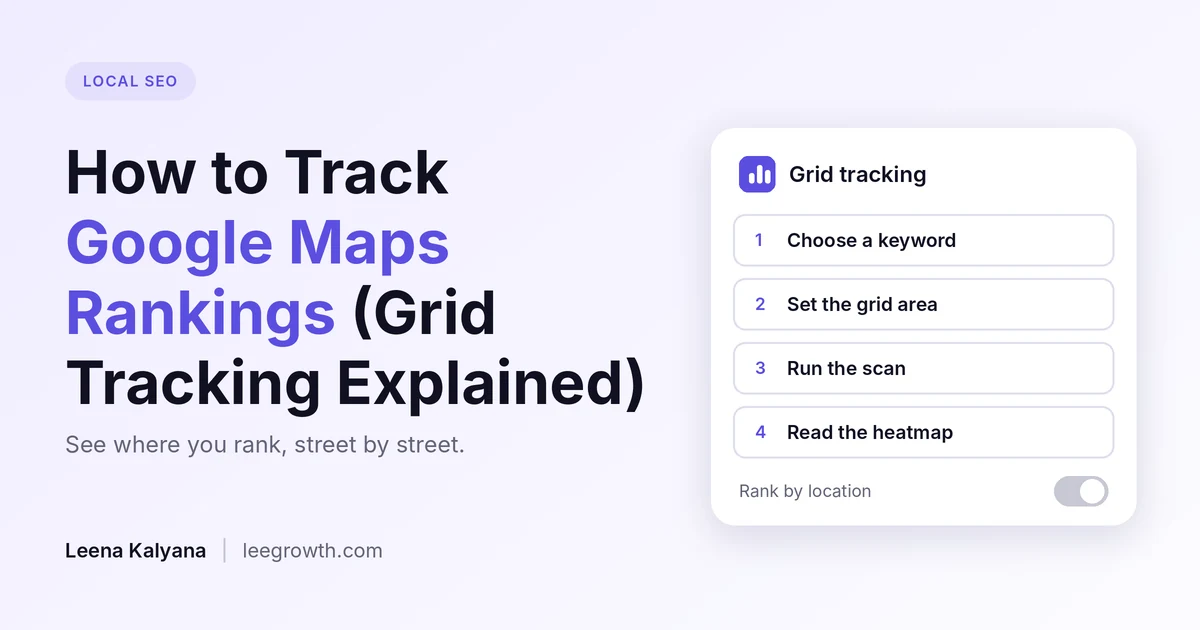
Short answer: Your Google Maps position changes with the searcher’s location, so one rank number is not reliable. Grid tracking checks your position from many points around your business and shows it as a map. A few manual checks and your own call and direction numbers are enough for many small businesses.
I am Leena Kalyana. This guide is part of my work on local SEO in India.
Why one rank number misleads
Google says distance is one of the main factors in local results. If you search from your shop, you may be first. Two kilometres away you may be fifth. A customer searching from home sees a different map than you see at work. So the answer to “what is my rank?” is “it depends where”.
Personalised results add to this: your own search history and location can change what you see. That is why checking from your own phone alone gives a poor picture.
What grid tracking is
A grid tracker searches for your keyword from a grid of points around your business, for example a 5 by 5 square, and records your position at each point. The result is a map with a number at each point, such as 1 near your shop and 12 at the edges. You can see how far your strength reaches and which directions are weak.
Several paid tools offer this, including Local Falcon, BrightLocal and Whitespark. Features and prices change, so check each tool’s current page before you subscribe. A tool is useful if you will look at the result every month. If you will not, skip it.
A free manual method
- Choose three to five searches that match your real service, such as “dentist in Dwarka”.
- Pick five places: your business, and four points a few kilometres around it.
- Search each term from each place on a phone, ideally in a private window with location on. If you cannot travel, a friend nearby can check.
- Write down your position, the top three businesses and the date in a sheet.
- Repeat once a month from the same places.
It is rough but honest, and the trend matters more than any single number.
What to track besides rank
- Calls: from the Business Profile.
- Direction requests: a strong sign someone plans to visit.
- Website clicks and enquiries: how many turned into messages.
- Review count and rating: compared with the top three competitors.
The steps are in track calls and direction requests from Google Maps and track enquiries in GA4.
How to read the result
- Strong near you, weak further out: normal for most businesses. Work on reviews and a service page for the weaker area.
- Weak even near you: check your categories, profile completeness and any suspension. See Google Maps competitor analysis.
- Rank improves, calls do not: look at your photos, reviews, phone number and opening hours. A good position is useless if the profile does not convince.
FAQ
How often should I check?
Once a month is enough for most small businesses. Daily checks mostly show noise.
Is a rank tracker worth paying for?
Only if you will act on what it shows. The manual method and your call numbers answer the main question for free.
Why do I rank differently from my competitor’s screenshot?
Because the two of you searched from different places. Ask where the search was made.
Want this checked on your own site? Ask for the free website SEO audit and I will send a short list of what to fix first.

Leena Kalyana is an SEO and digital marketing consultant in Delhi NCR and the founder of LeeGrowth. She helps clinics, coaching institutes, consultants and small businesses get found on Google, Google Maps and AI search. She works directly with every client and does not guarantee rankings.