

SEO Guide · Measurement · Search Visibility
Your website can rank on Google and still bring in very few visitors. The real question is whether people can find your pages, click through, and take action.
This guide explains how to measure organic search visibility using Google Search Console, website analytics, and a simple monthly checklist. You will learn what to track, how to read the numbers, and what to improve next.
Quick answer: How do you measure organic search visibility?
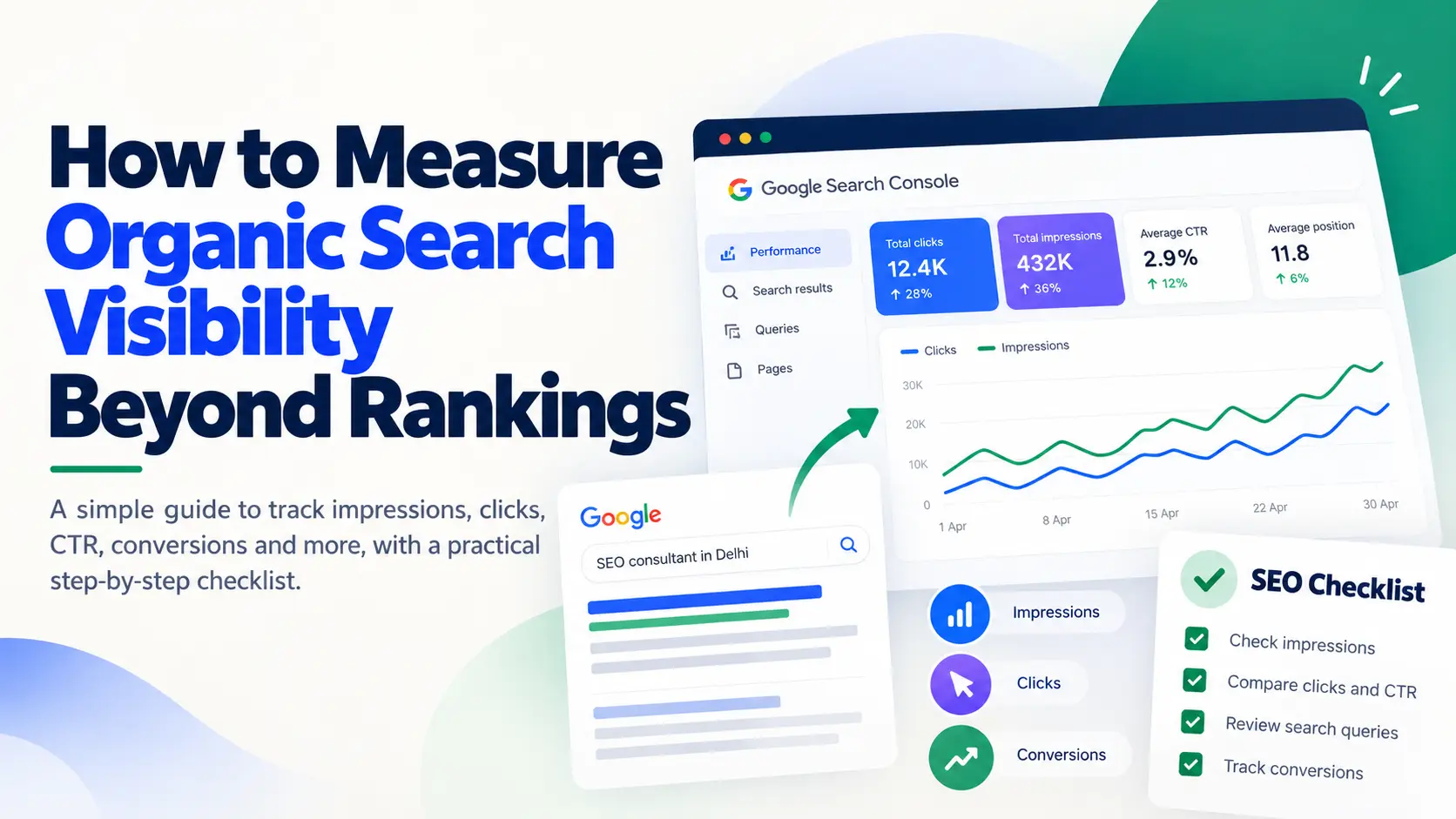
Use Google Search Console to track impressions, clicks, click-through rate (CTR), search queries, and average position. Then use an analytics tool to measure organic visits and conversions. Rankings are useful, but they do not show the full picture on their own.
What Is Organic Search Visibility?
Organic search visibility describes how often and how prominently your website appears in unpaid search results for relevant searches.
For example, someone might search for an SEO consultant in Delhi, a product comparison, or a solution to a business problem. If one of your pages appears in those results, it has an opportunity to attract that person.
But appearing in search results is only the first step. The person must still notice your result, click it, and decide whether your website is useful.
Remember: Search visibility, website traffic, and conversions are different things. Measure them separately to understand what is happening.
Why Rankings Alone Are Not Enough
A ranking report tells you where a page appears for a particular search. It does not tell you everything about your SEO performance.
Your average position may improve while clicks remain flat. Your impressions may rise because your pages appear for more searches. Or your website may attract visitors who never become customers.
That is why it helps to look at the full journey, from search appearance to business result.
01 · APPEAR
Impressions
Does your page show up in search?
02 · ATTRACT
Clicks
Do people visit your website?
03 · CONVERT
Conversions
Do visitors enquire, buy, or book?
Seven Metrics Worth Tracking
You do not need dozens of SEO metrics. Start with these seven and track them consistently.
1. Search impressions
Impressions show how often your website appears in Google Search results. Rising impressions may mean your pages are appearing for more searches or getting more exposure.
2. Organic clicks
Clicks show how many times people clicked your result in Google Search. Compare clicks with impressions to see whether increased visibility is bringing more visits.
3. Click-through rate (CTR)
CTR is the percentage of impressions that resulted in clicks.
CTR formula
CTR = (Clicks ÷ Impressions) × 100
Example: 40 clicks from 1,000 impressions equals a 4% CTR.
4. Average position
Average position gives you a broad view of where your results appeared. It is useful for spotting trends, but it is an average across different searches and should not be treated as one fixed ranking.
5. Search queries
Queries show what people searched for before your website appeared. They can reveal relevant searches you already perform well for and topics worth improving.
6. Organic visits and conversions
Use an analytics tool to check visits from organic search and the actions those visitors take. Depending on your business, this could mean an enquiry, phone call, booking, or sale.
7. Page-level visibility
Review impressions and clicks for individual pages. This helps you identify which articles and service pages attract attention and which need further work.
How to Measure Organic Search Visibility in Google Search Console
Google Search Console is a good starting point because it shows how your website performs in Google Search.
- Open Google Search Console and select your website property.
- Open Performance → Search results.
- Select a date range, such as the last 28 days.
- Turn on Total clicks, Total impressions, Average CTR, and Average position.
- Open the Queries tab to review search terms.
- Open the Pages tab to review individual URLs.
- Compare the data with the previous period and record the biggest changes.
For the official explanation of these reports, read Google’s Search Console Performance report guide.
For more help with this tool, see our guide to Google Search Console for small businesses.
Organic Search Visibility Checklist: 10 Steps
Use this checklist every month. It helps you move from collecting numbers to making useful SEO decisions.
Your monthly SEO review
What to do when the numbers change
| What you notice | What to check |
|---|---|
| Impressions rise, clicks stay flat | Queries, position, title, and search intent |
| Clicks fall suddenly | Date range, affected pages, queries, and indexing |
| A service page gets few impressions | Indexing, search demand, content, and internal links |
| Traffic rises but leads do not | Visitor intent, landing page, and conversion tracking |
These are starting points for investigation, not proof of a specific cause. Check the data before making changes.
Monthly Organic Search Visibility Report
Keep a simple record of your results. Comparing consistent date ranges makes changes easier to understand.
| Metric | This month | Previous month | Next action |
|---|---|---|---|
| Impressions | — | — | Review visibility changes |
| Clicks | — | — | Review traffic changes |
| CTR | — | — | Check relevant low-CTR pages |
| Average position | — | — | Investigate large changes |
| Organic leads or sales | — | — | Improve relevant pages |
At the end of the report, answer three questions:
- What changed?
- Which pages or searches need attention?
- What will you improve next month?
How to Measure Visibility in AI Search
People now use AI tools to ask questions, compare options, and discover businesses. This creates another area to monitor, but it needs a different measurement method.
Google Search Console does not provide a complete report of every time your brand appears in ChatGPT, Gemini, or other AI answers.
Use this simple tracking process
- Write down questions your potential customers may ask AI tools.
- Run the same questions regularly.
- Record whether your brand or website appears and which sources are cited.
- Save the date, tool, prompt, and result.
- Compare results over time using the same method.
AI answers can change between searches. Treat this process as a sample of visibility, not a complete count of all mentions.
For content guidance, read Google’s advice on creating helpful, reliable, people-first content.
You can also explore LeeGrowth’s guide to AI search engine optimization to understand how AI search fits into a wider SEO strategy.
Common Mistakes When Measuring SEO
Checking rankings alone
Rankings provide useful context, but they do not show clicks, leads, or sales. Use several metrics together.
Comparing different date ranges
Compare periods of equal length. Consider seasonality and changes in demand before deciding whether performance improved.
Treating every visit as valuable
A rise in traffic is not always a business win. Check whether visitors are finding the right pages and taking useful actions.
Changing too many things at once
Make clear, focused changes and record them. This makes it easier to understand what may have influenced the results.
Confusing AI mentions with search clicks
A mention in an AI answer is not the same as a click from Google Search. Keep each measurement separate and explain how it was collected.
Frequently Asked Questions
What is the easiest way to measure organic search visibility?
Start with Google Search Console. Check impressions, clicks, CTR, average position, queries, and pages. Use analytics data to track leads and sales when conversion tracking is available.
How often should I measure organic search visibility?
A monthly review is a useful starting point. Check urgent changes sooner, but avoid making big decisions based on small daily fluctuations.
Can rankings alone measure SEO success?
No. Rankings show one part of performance. You should also check impressions, clicks, relevant traffic, and conversions.
Can Google Search Console track every AI answer that mentions my business?
No. Search Console is not a complete tracker of brand mentions across AI tools. Track AI visibility separately and do not count those mentions as Google Search impressions or clicks.
What should I do if impressions increase but clicks do not?
Review the queries and pages gaining impressions. Check their average positions, titles, and match with search intent. Then make changes where the data points to a clear opportunity.
Measure What Matters. Improve What Works.
Organic search visibility is more than a ranking report. It is about helping the right people find your website, understand your offer, and take the next step.
Start with Search Console, track a few useful metrics, and review your results every month. Small, informed improvements are more useful than chasing every ranking change.
Get a Free SEO Audit
I’m Leena Kalyana, a Delhi-based freelance digital marketer and graphic designer. I work across SEO, content marketing, social media, and digital design. I’m interested in helping businesses build a stronger online presence through practical SEO strategies, useful content, and creative digital marketing.