


A website redesign can improve how a business looks and works. But changing URLs, removing pages, or rewriting content without checking their existing value can create avoidable SEO problems.
A page may bring in potential customers, earn links from other websites, or answer a question that your competitors have overlooked. Its value is not always obvious from its design or traffic numbers.
The safest website redesign starts by deciding what each page should do – not by deciding what its new URL should be.
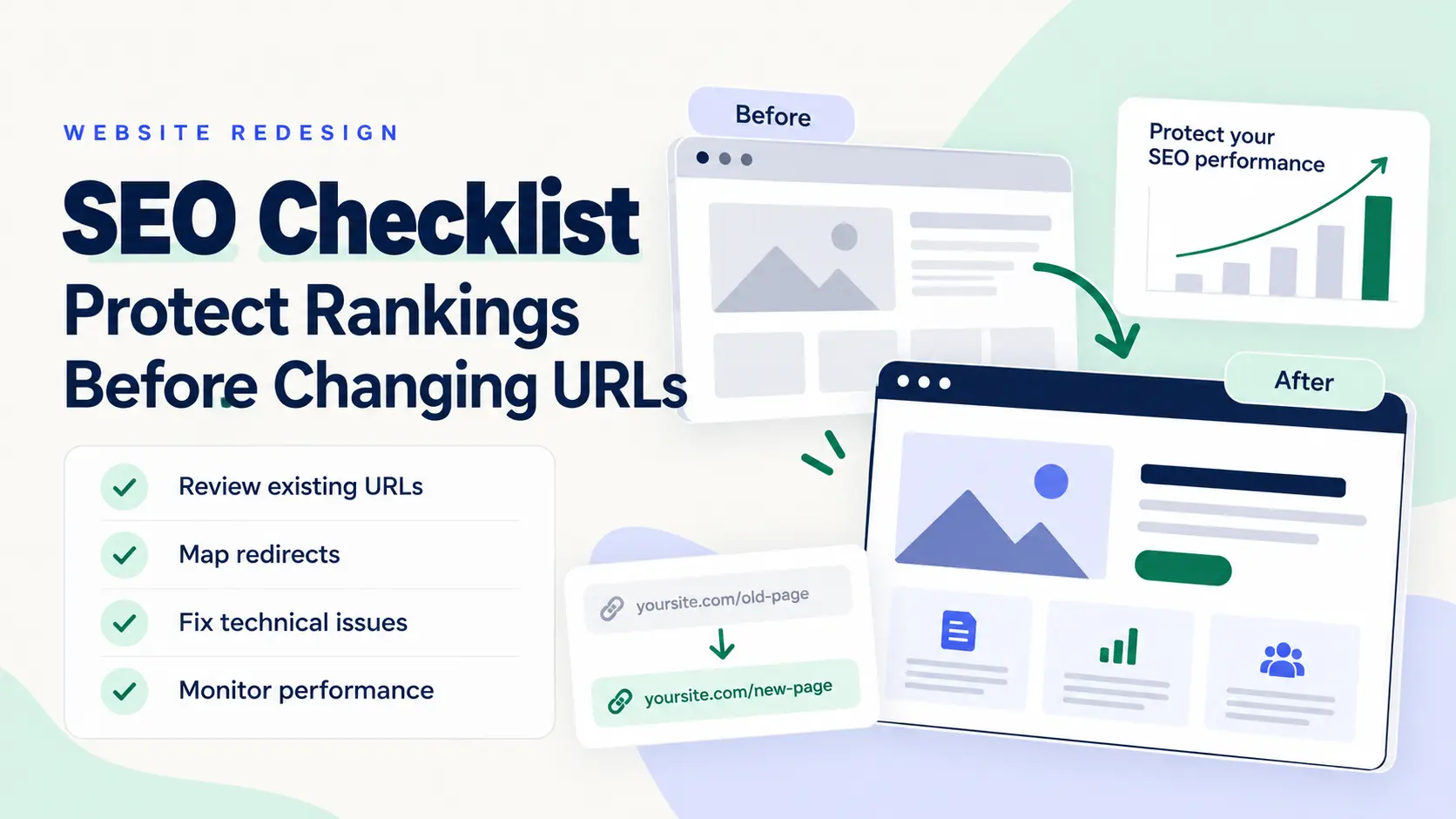
This website redesign SEO checklist helps you review existing URLs, plan changes, prepare redirects, and check the new website before and after launch.
Quick Tip: Do Not Change a URL Just to Make It Look Better
If a page already serves the right purpose and its URL is clear, keep it unless there is a strong reason to change it.
A shorter URL is not automatically worth the risk and work involved in changing an established page. If you do change a URL, map the old address to the most relevant replacement and test the redirect.
1. Use the URL Decision Test Before Redesigning a Page
Before changing any URL, answer these three questions.
Question 1: Does the page still serve a useful purpose?
Check whether it answers a customer question, explains a service, attracts relevant visitors, supports another important page, or helps users complete an action.
Question 2: Is there a genuine reason to change it?
A new site structure or a major change in the page’s purpose may justify a new URL. Changing the wording just to include a keyword is not enough on its own.
Question 3: What should happen to the old page?
Choose one clear action for every URL.
| Decision | When to use it | What to do |
|---|---|---|
| Keep | The page and its purpose remain relevant | Preserve the existing URL |
| Redirect | The page has moved to a relevant replacement | Add and test a permanent redirect |
| Merge | Two or more pages cover overlapping needs | Create a stronger combined page and map the retired URLs |
| Remove | The page is no longer needed and has no suitable replacement | Review its value and return the appropriate HTTP status |
Example: An agency has a page at /seo-audit/. During the redesign, someone suggests changing it to /digital-marketing/ because the new website uses broader service categories.
If the business still offers SEO audits as a distinct service, keeping /seo-audit/ may be the better choice. The new address describes a broader topic and may not meet the same visitor’s needs.
The decision should follow the page’s purpose, not the design team’s preference for a cleaner menu.
A URL change is successful when the new destination serves the same need—or a clearly better one—not simply when the old address disappears.
2. Find the URLs That Deserve Extra Protection
Do not judge a page by organic traffic alone. A page with modest traffic may still attract valuable enquiries or links from relevant websites.
Review these sources before approving URL changes:
- Google Search Console: Search clicks, impressions, queries, and page-level performance.
- Google Analytics 4: Landing pages and conversions, if tracking is configured correctly.
- A website crawler: Status codes, canonical tags, internal links, and existing URLs.
- A backlink tool: External websites linking to pages you plan to change.
- Your XML sitemap: A useful list of URLs you intend search engines to discover, but not a complete record of every valuable page.
Use the four-value review
For every important URL, assess four types of value.
| Value | What to check |
|---|---|
| Discovery | Does the page attract relevant search impressions or clicks? |
| Business | Does it support leads, sales, enquiries, or another business goal? |
| Authority | Does it have relevant external links or useful internal links? |
| User need | Does it answer a question or solve a problem that still matters? |
This is a planning framework, not a Google ranking formula. Use it to identify pages that need closer review.
A page with low traffic should not automatically be deleted. It may be new, seasonal, poorly linked internally, or useful to a small but valuable audience.
Quick Tip: Export your URL list before the redesign and save a baseline of organic clicks, impressions, landing-page conversions, and known backlinks. You will need this information to compare performance after launch.
3. Build an Old-to-New URL Mapping Sheet
A redirect list that contains only old and new addresses leaves important decisions undocumented.
Create a mapping sheet that explains why each URL is changing and how you will verify the result.
| Existing URL | Value to review | Planned action | New URL | QA status |
|---|---|---|---|---|
/seo-audit/ | Service page with an ongoing purpose | Keep | /seo-audit/ | Check after launch |
/old-seo-service/ | Service page being replaced | Redirect after review | /seo-services/ | Test redirect and relevance |
/duplicate-content-guide/ | Potential overlap with another guide | Review for merging | To be decided | Compare content first |
/retired-service/ | Service no longer offered | Review removal | No replacement yet | Check links and business value |
These are illustrative examples, not measured client results. Choose destinations only after comparing the old and new page content.
Your mapping sheet should also record the reason for the change, implementation status, reviewer, and final test result.
Match the visitor’s intent, not just the topic
Two pages can cover the same broad subject but serve different purposes. A beginner’s guide and a service page, for example, should not automatically redirect to each other.
For a permanent move, use an appropriate permanent redirect such as HTTP 301 or 308. Update internal links and canonical tags to point to the preferred new URL.
Google recommends mapping old URLs to corresponding destinations and avoiding irrelevant redirects to the homepage. A permanent redirect is not a guarantee that every ranking or traffic level will remain unchanged.
Reference: Google’s guide to site moves with URL changes.
4. Check More Than the URL
A redesign can change content, page templates, navigation, internal links, and technical settings at the same time. A page can keep its URL and still lose useful information or become harder to find.
Review these elements for each important page:
- Main content: Does the page still answer the same question or serve the same business need?
- Title tag and H1: Do they describe the actual page clearly?
- Internal links: Can users and crawlers still reach the page through relevant navigation and contextual links?
- Canonical tag: Does it point to the preferred URL?
- Indexability: Is the page allowed to be crawled and indexed where appropriate?
- Structured data: Does the markup match the content users can actually see?
- Images and resources: Do images load, and do important image links and alternative text remain accurate?
- Conversions: Do forms, calls to action, phone links, and analytics events work?
Do not preserve old text simply because it has existed for years. Keep information that remains useful, improve outdated sections, and remove content only after considering its purpose and value.
5. Apply SEO, AEO and GEO Best Practices
SEO helps search engines discover, understand, and evaluate your pages. Answer Engine Optimization (AEO) and Generative Engine Optimization (GEO) focus on making useful information easier to find and use in answer-based and AI-powered search experiences.
For a website redesign, these goals share the same foundation: accessible pages, clear information, reliable content, and a structure that makes sense to people.
SEO: Keep the website discoverable
- Make sure important pages can be crawled and indexed.
- Keep relevant internal links working and update them when URLs change.
- Use clear titles, descriptive headings, and accurate canonical tags.
- Submit an updated XML sitemap containing the intended canonical URLs.
- Test mobile usability, page loading, and key user journeys.
- Check redirects, broken links, and accidental
noindexdirectives before launch.
AEO: Answer the actual question clearly
- Put a direct answer near the beginning of a section.
- Use descriptive headings that tell readers what the section explains.
- Define technical terms in plain English.
- Use lists or tables when they make comparisons and steps easier to follow.
- Support important claims with reliable sources and clearly explain exceptions.
For example, instead of writing several paragraphs before answering “Should I change my URLs during a redesign?”, state the answer first: No, not by default. Keep useful URLs unless the page’s purpose or site structure gives you a clear reason to change them.
GEO: Give readers information that goes beyond common advice
- Add original analysis, practical decision rules, and worked examples.
- Explain why a recommendation applies and when it might not.
- Keep important information in accessible, readable page content.
- Use accurate facts, relevant source links, and consistent terminology.
- Make the article useful even if a reader never clicks another page.
A useful table or original framework can make a decision easier to understand. It does not guarantee that an AI system will quote or cite the page.
Google’s guidance says its AI search features build on foundational SEO and helpful, original content. It does not require special AI markup to qualify for AI Overviews or AI Mode. See Google’s AI features guidance.
The practical takeaway: Do not write separate, repetitive pages for every variation of a search query. Build one strong resource when it can answer the user’s need fully, and create separate pages only when they serve meaningfully different purposes.
6. Complete the Pre-Launch Website Redesign SEO Checklist
Use this checklist before the redesigned website goes live.
- Export and save the existing URL inventory.
- Record baseline search and conversion performance.
- Review pages with valuable traffic, conversions, or backlinks.
- Approve the old-to-new URL mapping.
- Test permanent redirects and their final destinations.
- Check canonical tags and internal links.
- Confirm important pages are crawlable and indexable.
- Remove staging-only
noindexrules where necessary. - Check that robots.txt and other access rules do not block important pages.
- Generate an updated sitemap with the intended canonical URLs.
- Test forms, calls to action, analytics, and mobile navigation.
- Assign someone to monitor the website after launch.
Quick Tip: Test a sample of high-value URLs before launch, then crawl the full site after the changes are live. A redirect that works in a spreadsheet is not proof that it works on the website.
7. Monitor the Redesign After Launch
A successful launch is not the end of SEO work. Search engines need to recrawl and process changed pages, and performance can fluctuate during that period.
Use Google Search Console, analytics, and a crawler to investigate specific symptoms.
| What you notice | What to investigate first |
|---|---|
| Old URLs return unexpected 404 errors | Redirect rules, URL mapping, and server responses |
| New pages are not being indexed | Canonical tags, indexability, internal links, and URL Inspection |
| Organic clicks fall on affected pages | Queries, redirects, content changes, and competing pages |
| Clicks remain steady but enquiries fall | Forms, calls to action, tracking, and landing-page usability |
| Old URLs remain in the sitemap | Sitemap generation and canonical URL selection |
Compare results with your pre-launch baseline. Review the same periods where possible and consider seasonality, demand changes, and other marketing activity.
Do not assume every decline is caused by the redesign. Find which URLs and queries changed first, then investigate the likely cause.
Google notes that significant site moves can cause temporary search fluctuations while URLs are recrawled and reprocessed. There is no universal recovery timeline.
Reference: Google’s site move documentation.
Frequently Asked Questions
Does a website redesign affect SEO?
It can. Changes to URLs, content, internal links, redirects, or indexability can affect search visibility. A visual redesign alone does not automatically mean rankings will fall.
Should I change URLs during a website redesign?
Not necessarily. Keep an existing URL when the page still serves the same purpose and the address remains suitable. Change it when there is a clear structural or content reason, and plan the redirect where needed.
How do I protect SEO during a website redesign?
Record existing URLs and performance, review valuable pages, prepare an old-to-new mapping, test redirects, update internal links and canonicals, check indexability, and monitor the new site after launch.
Can AEO and GEO help a redesigned website appear in AI search?
Clear answers, original insights, accessible content, and sound technical SEO can help make a website useful and understandable. However, no checklist or schema guarantees that an AI system will cite a page.
How long does SEO take to recover after a redesign?
There is no fixed timeline. It depends on the scale of the changes, crawl and indexing activity, site size, and whether technical or content problems remain. Monitor affected URLs instead of relying on a universal recovery estimate.
Final Takeaway
A website redesign should improve the experience without discarding the value the existing website has already built.
Start with the purpose of each page. Check its search, business, and link value. Change only what needs to change, document every URL decision, and verify the result after launch.
At LeeGrowth, the goal is not simply to launch a better-looking website. It is to make sure the new website remains useful to visitors, understandable to search engines, and ready to support business growth.

I’m Leena Kalyana, a Delhi-based freelance digital marketer and graphic designer. I work across SEO, content marketing, social media, and digital design. I’m interested in helping businesses build a stronger online presence through practical SEO strategies, useful content, and creative digital marketing.