


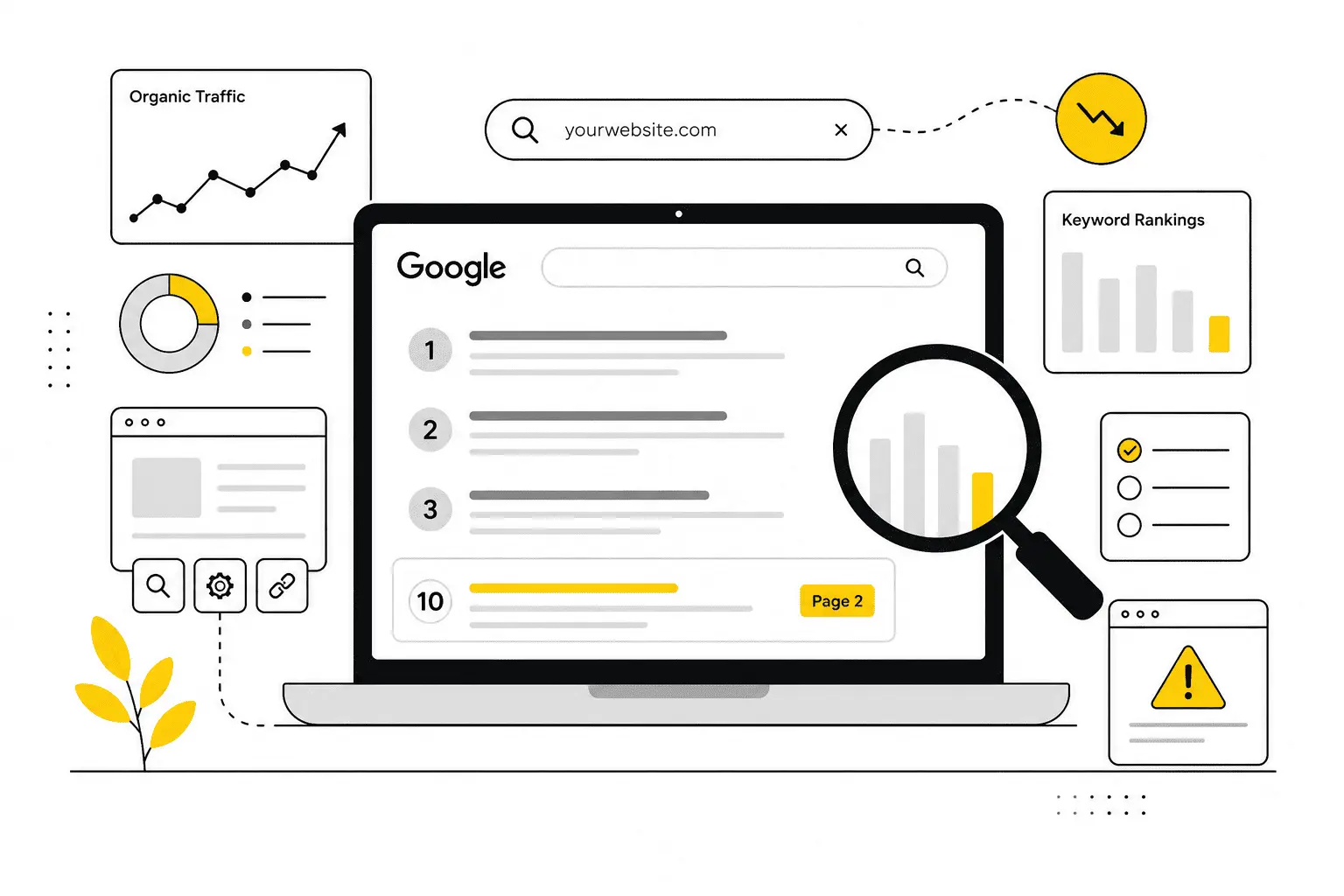
You built the website. You wrote the pages. Maybe you even hired someone to “do the SEO.” And your site is still nowhere to be found on Google.
That feeling is genuinely frustrating, and it’s an incredibly common one. Here’s the honest, short answer: there is almost never one single reason. It’s usually a combination of a few things — and in 2026, there’s a new one most guides still aren’t talking about, which is that you can do everything right and still lose the click to an AI-generated answer sitting above your result.
This guide walks through why your website isn’t ranking on Google, how to actually diagnose which problem is yours (using tools you already have access to, for free), and what to do about each one — including two issues almost nobody else is writing about: AI Overviews quietly eating your clicks, and the specific ranking friction that hits you if you’re trying to rank for a market you’re not physically based in.
First, figure out which problem you actually have
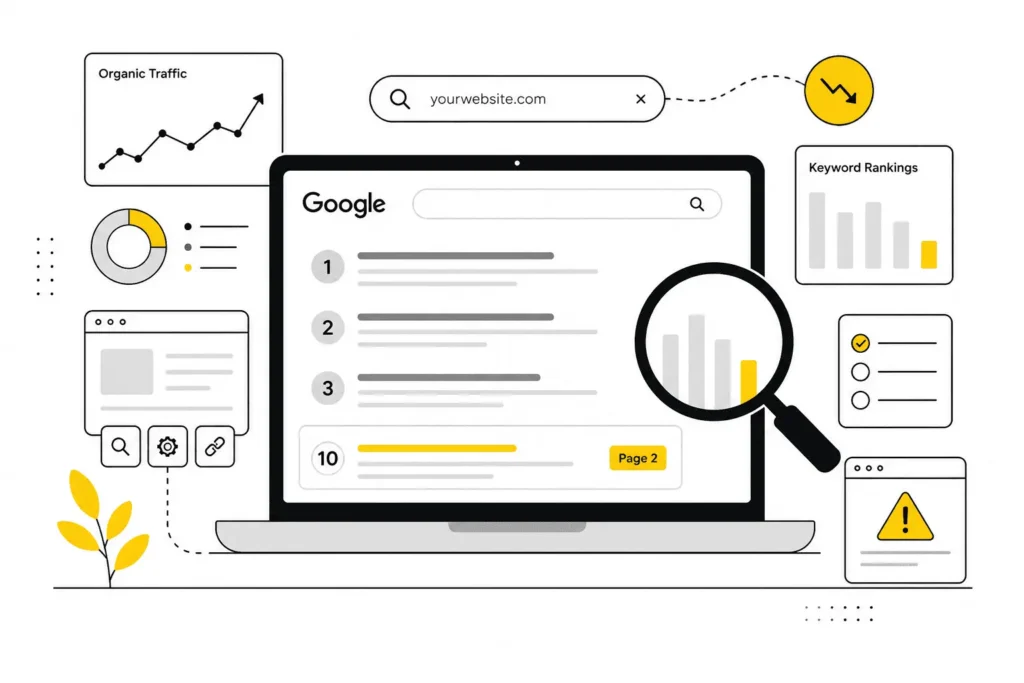
Before fixing anything, you need to know what’s actually happening. “Not ranking” can mean four very different things, and each one points to a different fix.
Open Google Search Console (it’s free — if you haven’t set it up yet, that alone might be your problem, since you can’t rank what you can’t measure). Go to the Performance report and filter by the page in question. Then look at four numbers together: impressions, clicks, average position, and CTR.
Here’s what each pattern usually means:
- Indexed, but zero impressions. Google knows the page exists but isn’t showing it for anything. This usually points to a relevance or content-quality problem, not a technical one.
- Impressions, but a low average position (like 40+). You’re in the race, just far behind. This is almost always a competition or authority gap — your page needs to be stronger, more complete, or better linked than what’s currently on page one.
- High impressions, low clicks. You’re showing up, but people aren’t clicking. This is usually a title tag, meta description, or SERP-feature problem — including the AI Overview issue we’ll get to below.
- Used to rank, now doesn’t. Something changed — either Google’s algorithm, your content went stale, you lost backlinks, or a competitor simply got better.
Run this check first. Everything below maps back to one of these four patterns.
Why is my website indexed but not ranking on Google
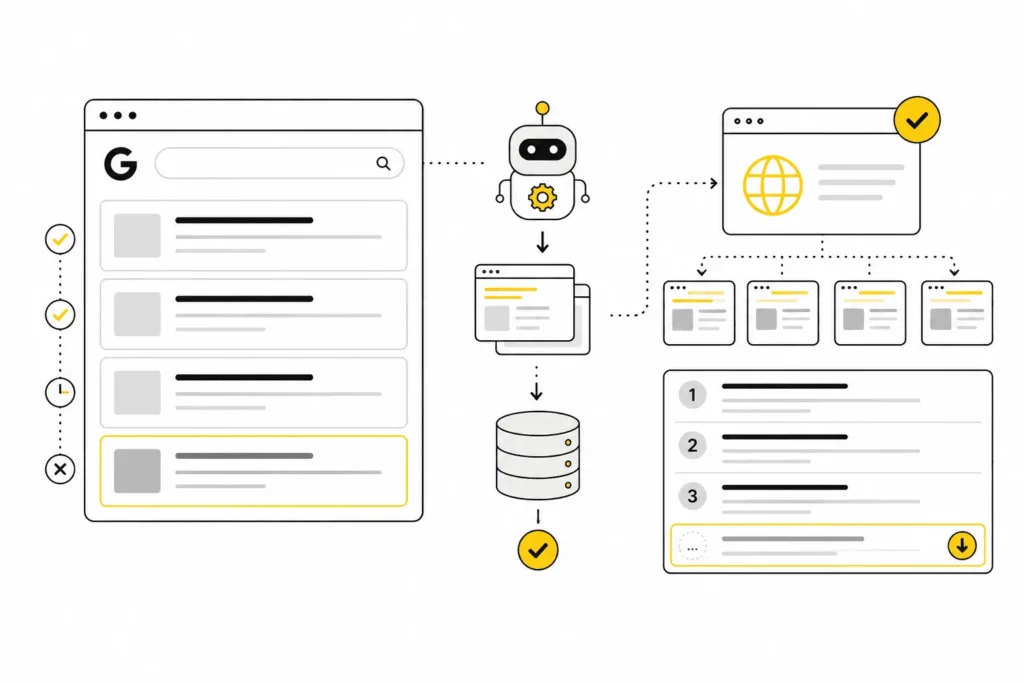
This is one of the most confusing situations, because it feels like the problem should be solved. Google knows your page exists. It’s in the index. And it still doesn’t show up for the terms you care about.
Being indexed only means Google has read and stored your page. It says nothing about whether Google thinks your page deserves to rank above the dozens of others already competing for that same search. Indexing gets you a ticket into the race. It doesn’t put you anywhere near the front of it.
The usual culprits here are:
- Content quality relative to what’s already ranking. If the top 10 results are more thorough, more specific, or more useful than yours, Google has no reason to swap them out for you.
- Keyword competition you can’t win yet. If you’re a new site targeting “business loan” and the results are all banks and Wikipedia, indexing was never the issue — authority was.
- Search intent mismatch. If Google has decided this query wants how-to guides and you built a product page, you’re fighting the format, not just the content.
- Internal linking. If nothing else on your site links to this page, you’re quietly telling Google it isn’t important.
- Keyword cannibalization. If two or three of your own pages target the same phrase, Google has to pick one, and it may not be the one you wanted.
The fix isn’t more optimization for the sake of it — it’s making the page genuinely more complete, more specific, and more clearly linked to than what’s currently winning.
Why is my website not showing up on Google at all
This is a different problem, and a more fixable one. If your site or page isn’t showing up for anything, not even your own brand name, start with the basics before anything else.
- Check if you’re actually indexed. Search site:yourdomain.com in Google. If nothing comes up, Google either hasn’t found the page yet or has chosen not to include it.
- Check for an accidental noindex tag. View the page’s source code and look for a robots meta tag set to noindex. This single line, often left over from a staging site or added by mistake, will keep an otherwise perfect page invisible.
- Check robots.txt. Make sure you’re not accidentally blocking Googlebot from crawling the page or the whole site. WordPress sites especially have a “discourage search engines” setting that’s easy to leave checked after launch.
- Check if the site is simply too new. A domain that’s a few weeks or months old, with little to no history and no backlinks, often just needs time. Google has said there’s no fixed “sandbox” period, but new sites behave as though there is one, because trust takes time to build.
- Submit your sitemap. If you haven’t submitted an XML sitemap through Search Console, do it now. It won’t force a ranking, but it does help Google find your pages faster.
Most sites that aren’t showing up at all have one of these five issues. Rule them out in order — it’s the fastest fifteen minutes you’ll spend on this problem.
Why has my website dropped in rankings
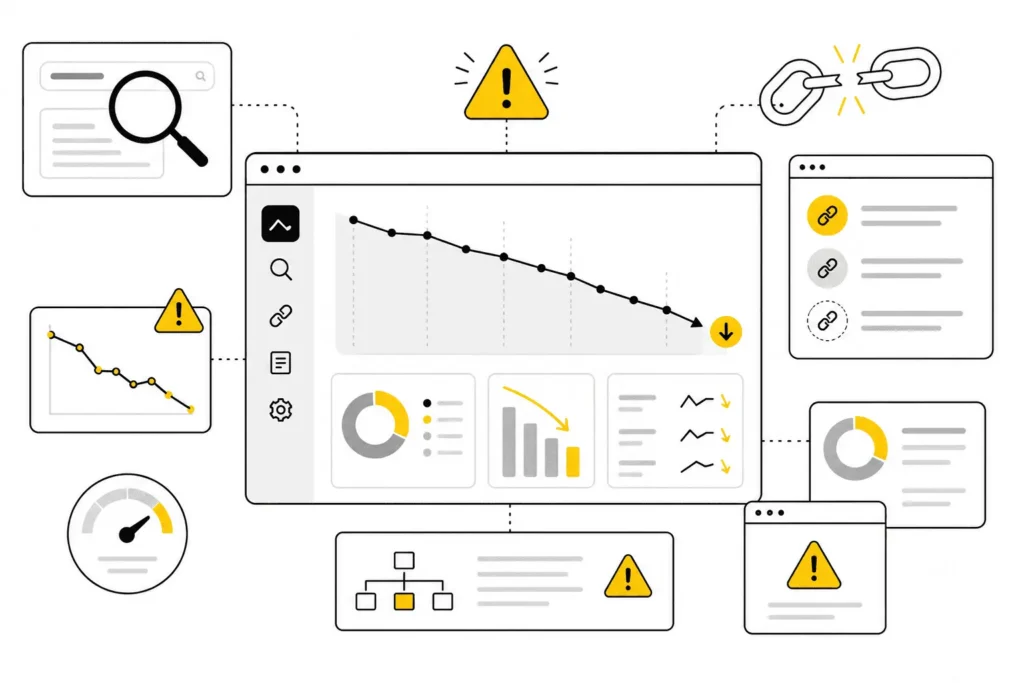
If you used to rank and don’t anymore, resist the urge to blame “the algorithm” before checking the more likely causes first.
- A core or Helpful Content update. Google’s quality systems now run continuously rather than as isolated one-off updates. If your content was thin, repetitive, or didn’t fully answer the query, it can get quietly deprioritized over time, not just during a named update.
- Lost backlinks. If a site linking to you took down a page, redesigned, or removed the link, that authority signal disappears with it. Check your backlink profile for links that have gone dead.
- A competitor got better. Sometimes nothing on your end changed — someone else simply published something more thorough, more current, or better linked, and Google swapped them in.
- Technical regressions. A site redesign, a migration, or a plugin update can quietly introduce a noindex tag, break internal links, or slow the page down without anyone noticing until rankings slip.
- Content going stale. If your page hasn’t been touched in years and the topic has moved on, Google may now prefer a source that reflects current information.
Before assuming it’s unfixable, check Search Console’s Performance report over the last 12–16 months. A sharp, site-wide drop on a specific date usually lines up with an algorithm update. A slow, page-specific decline usually points to content decay or a stronger competitor.
The reason most 2026 guides aren’t telling you about: AI Overviews are eating your clicks
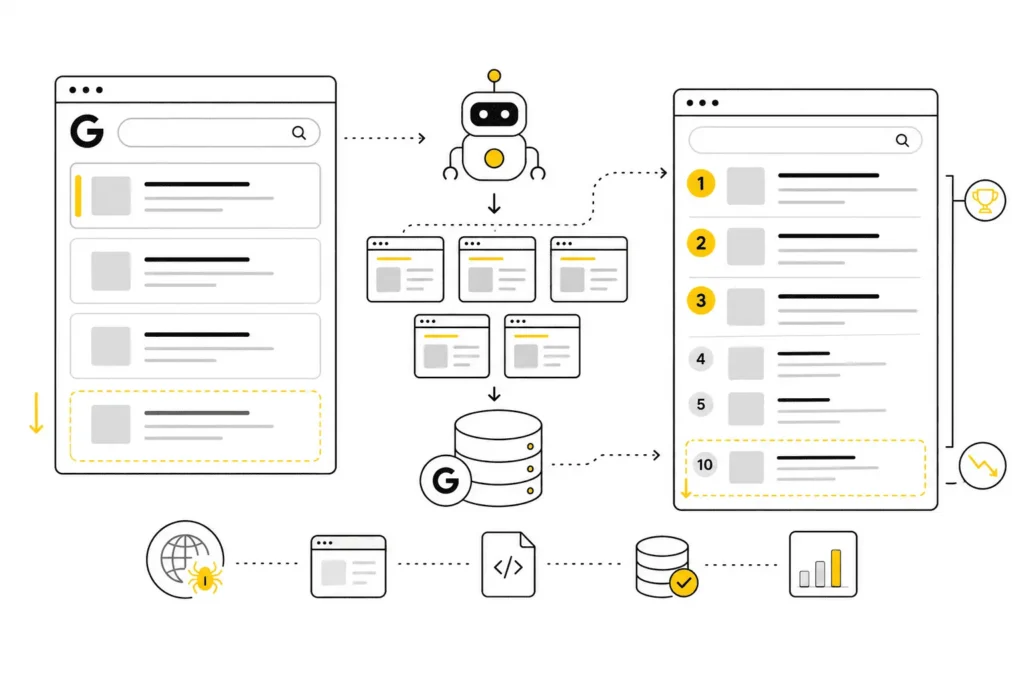
Here’s something that’s changed the game in the last couple of years, and most “why isn’t my site ranking” articles still don’t mention it properly: you can rank well and still get almost no traffic, because an AI Overview or AI-generated answer now sits above the organic results and answers the question directly, before anyone reaches your link.
This is genuinely different from every other problem on this page, because it isn’t really a ranking problem at all. Your position might be fine. Your content might be excellent. The click is simply being intercepted before it gets to you.
How to tell if this is happening to you:
Go back to Search Console. If your impressions and average position look healthy, but clicks and CTR have quietly dropped, especially on informational queries (the “what is,” “how to,” “why does” type searches), this is very likely your answer. The searcher got what they needed from the AI summary and never scrolled down.
What actually helps here:
- Become the cited source. AI Overviews pull from and often link to the pages they summarize. Clear structure, direct answers near the top of a section, and genuinely original information (data, first-hand experience, examples nobody else has) make you more likely to be the source it draws from and credits.
- Shift some effort toward queries AI answers can’t fully satisfy. Comparison content, pricing and eligibility questions specific to a country or situation, and anything requiring judgment or a real recommendation are harder for a generic AI summary to fully replace.
- Don’t panic and rewrite everything. Not every query triggers an AI Overview, and the feature’s presence shifts over time. Diagnose first, using the impressions-vs-clicks pattern above, before assuming this is your whole problem.
This is one of the more overlooked realities of ranking in 2026: “ranking” and “getting traffic” are no longer the same guarantee they used to be.
The other overlooked reason: ranking friction when you’re targeting a market you’re not physically in
If you’re running a business that serves clients internationally — say, helping founders in one country register a company or open a bank account in another — you run into a ranking problem almost none of the generic SEO guides ever mention, because they all quietly assume your site, your customers, and your target keyword are all in the same country.
Google forms an opinion, often correctly, about who a piece of content is “for.” That opinion is shaped by things like:
- Where your backlinks come from. If nearly all of your links are from one country’s sites and you’re trying to rank for another country’s search terms, that’s a mismatch signal.
- Server location and hosting signals, which matter less than they used to but still contribute.
- Whether you’ve used hreflang tags correctly if you’re serving multiple country-specific versions of a page — get this wrong and you can end up with two of your own pages competing with each other in the same country’s search results.
- Local trust signals for the target market, like reviews, mentions, or citations relevant to that country, which a domestic competitor naturally accumulates faster.
If you have separate pages for, say, your USA services, your UAE services, and your UK services, there’s an added risk: cannibalization across markets. Search site:yourdomain.com followed by your keyword and see whether more than one of your own pages is fighting for the same search. If so, Google has to guess which one to show, and it often won’t guess the one you wanted.
The fix isn’t complicated, but it does take deliberate structure: dedicated pages per market with genuinely distinct content (not just the country name swapped in), correct hreflang tagging, and a link-building effort that includes sources relevant to each target country, not just your home base. This is slower to build than domestic SEO, and that’s normal — you’re asking Google to trust you in a market where you have no local history yet.
How to improve your website ranking on Google
Once you know which of the problems above is actually yours, work through fixes in this order. Earlier items are both more common and cheaper to fix, so there’s no reason to spend a month on backlinks if you haven’t first confirmed the page is even indexed.
- Fix anything blocking access first — noindex tags, robots.txt blocks, broken redirects. Nothing else matters until Google can actually see the page.
- Match search intent. Look at what’s currently ranking for your target keyword. If the format doesn’t match (guide vs. product page vs. comparison vs. tool), fix the format before touching anything else.
- Make the content genuinely more complete than what’s ranking. Add what only you can add — real experience, real examples, clearer explanations, information nobody else has bothered to include.
- Fix internal linking. Every page worth ranking should be reachable within a few clicks from your homepage and linked to from related pages using descriptive anchor text.
- Build real authority. Earn backlinks the slow, legitimate way — original research, genuinely useful tools, expert quotes, and outreach to people who’d actually want to reference your page. Skip anything that promises fast links; it tends to cost you more than it gives.
- Clean up technical health. Page speed, mobile usability, and Core Web Vitals won’t single-handedly fix a ranking problem, but they can act as a tie-breaker against a competitor who’s otherwise equal to you.
- Keep monitoring. Rankings move in small steps, not overnight jumps. Check Search Console every few weeks, not every day.
How to rank a website on Google’s first page
This is the section to read carefully, because the honest answer depends heavily on how competitive your niche is — and it’s worth knowing upfront so you don’t misjudge your own progress.
- For low-competition, specific, or local terms: often a few weeks to a few months, once the content genuinely matches intent and the basics are in place.
- For moderately competitive terms: typically three to six months of consistent work — content, internal linking, and a handful of real backlinks.
- For highly competitive or YMYL-adjacent terms (finance, legal, immigration, health — anything where a wrong answer could genuinely hurt someone) — the kind of space that international business and advisory services often sit in — expect six months to well over a year, because Google holds these topics to a higher trust bar and established competitors have had years to build authority you’re only just starting to earn.
If your page is climbing — even slowly, even from position 40 to position 25 — that’s a sign to keep going, not a sign to start over. Don’t delete or completely rebuild a page that’s trending in the right direction just because it hasn’t reached page one yet.
Quick self-check: run this in 15 minutes
☐ Search site:yourdomain.com/your-page — does it show up? If not, indexing is your first problem.
☐ Check the page’s source for an accidental noindex tag.
☐ In Search Console, compare impressions vs. clicks — healthy impressions with low clicks may mean an AI Overview or SERP feature is taking the click.
☐ Google your target keyword — does the top 10 match your content’s format (guide, product, comparison, tool)?
☐ Search site:yourdomain.com plus your keyword — are multiple of your own pages competing for the same term?
☐ If targeting an international market, check whether your backlinks and hreflang tags actually support that market.
☐ Check Search Console’s 12-month trend — is this a sudden site-wide drop (likely an algorithm update) or a slow, page-specific decline (likely content decay or a stronger competitor)?
Frequently asked questions
Why is my website indexed but not ranking?
Being indexed just means Google has stored the page — it says nothing about whether Google considers it good enough to beat what’s already ranking. The gap is usually content depth, search intent mismatch, or a lack of authority relative to the competition.
How long does it take for a new website to rank on Google?
For most competitive terms, expect three months to a year. Low-competition and local terms can rank in a matter of weeks. New sites lack the trust and backlink history that ranking depends on, so early wins usually come from easier, more specific keywords first.
Why has my website suddenly dropped in Google rankings?
Check for a sitewide algorithm update (a sharp, same-day drop across many pages), lost backlinks, technical issues introduced by a recent site change, or a competitor that’s simply published something stronger.
How do I know if Google has indexed my website?
Search site:yourdomain.com in Google, or use the URL Inspection tool in Search Console for a definitive answer, including the reason if it hasn’t been indexed.
Does Google penalize new websites?
No — there’s no penalty for being new. New sites simply start without the trust and backlink signals that ranking depends on, which can look and feel like a penalty but isn’t one.
Why is my website ranking but I’m not getting any traffic?
Check whether an AI Overview, featured snippet, or local pack is sitting above your result and answering the query before the searcher reaches your link. Search Console will show healthy impressions with unusually low clicks if this is happening.
Can a website ranking for the wrong country’s searches be fixed?
Yes, but it takes deliberate work: dedicated, genuinely distinct pages per target market, correct hreflang tagging, and backlinks relevant to each country you’re trying to rank in — not just your home market.
If you’re building an international-facing business and want help figuring out exactly which of these is holding your site back, that diagnostic work is usually worth doing before spending more on content or links.

I’m Leena Kalyana, a Delhi-based freelance digital marketer and graphic designer. I work across SEO, content marketing, social media, and digital design. I’m interested in helping businesses build a stronger online presence through practical SEO strategies, useful content, and creative digital marketing.